
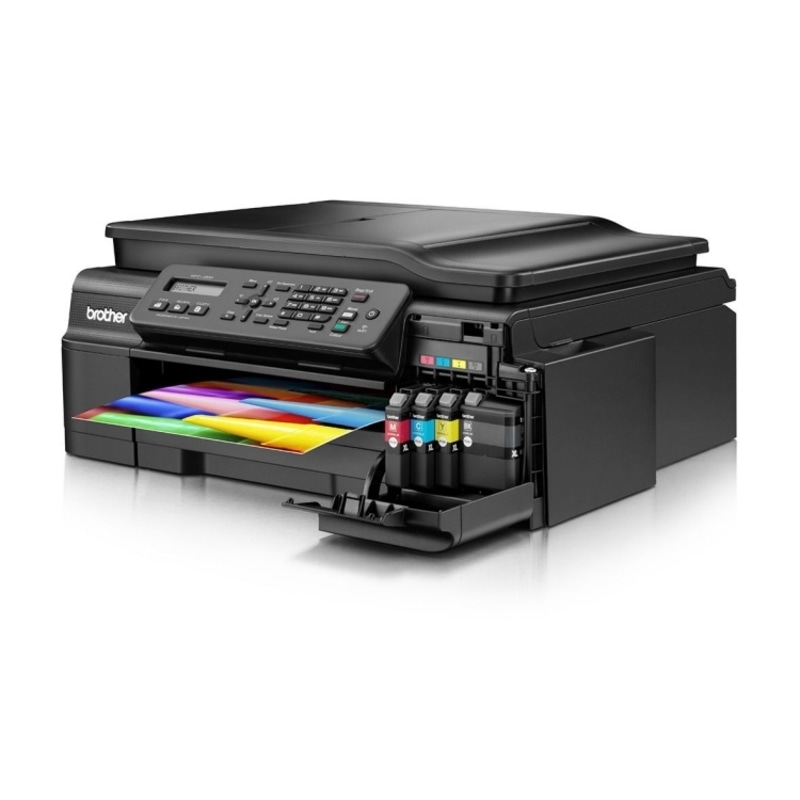
In the digital age, wireless technology has transformed the way we interact with our devices. Brother printers, known for their efficiency and innovation, have seamlessly integrated wireless capabilities into their models. One of the features that facilitate this wireless connection is the WPS Pin. If you’ve ever wondered what exactly a WPS Pin on a Brother printer is, and how it can simplify your wireless printing experience, you’re in the right place. This comprehensive guide will demystify the concept, explaining what a WPS Pin Brother Printer is, how it works, and how you can use it effectively for hassle-free printing.
What is a WPS Pin?
WPS stands for Wi-Fi Protected Setup, a standard wireless network security feature that tries to make connections between a router and wireless devices faster and easier. Essentially, a WPS Pin is a security code that ensures secure wireless communication between your Brother printer and your Wi-Fi router. It acts as a password when you are connecting your printer to a wireless network.
How Does WPS Pin Work on Brother Printers?
Brother printers with WPS capability come with a WPS button, which is used for this purpose. Here’s how the process generally works:
-
Enable WPS on Your Printer: First, make sure your Brother printer is turned on and ready to connect. Navigate through the printer’s menu to find the WPS option. This might vary slightly depending on your printer model, so refer to your printer’s manual for specific instructions.
-
Press the WPS Button on Your Printer: Press the WPS button on your Brother printer. This action signals the printer that it’s time to connect to a wireless network.
-
Enable WPS on Your Router: Most modern routers also have a WPS button. Press the WPS button on your router within a specific timeframe after pressing the WPS button on your printer. This timeframe is generally a few minutes.
-
Enter the WPS Pin: If your router doesn’t have a WPS button or if you prefer to use the WPS Pin method, you can find the WPS Pin on your Brother printer. The Pin is usually printed on a label attached to the printer. Enter this Pin into your router’s settings through its web interface.
-
Connection Established: Once the correct WPS Pin is entered, the printer and the router will establish a secure wireless connection. Your printer is now ready to print wirelessly over the network.
Advantages of Using WPS Pin on Brother Printers:
-
Simplicity: WPS Pin method eliminates the need for entering complex Wi-Fi passwords. It simplifies the connection process, making it accessible for users who might find network setup challenging.
-
Security: Despite its simplicity, WPS Pin ensures a secure connection. The Pin acts as a temporary password, making it difficult for unauthorized devices to connect to your network.
-
Quick Setup: WPS Pin method allows for swift setup without the hassle of manual configuration. It’s a time-saving option, especially for users with limited technical knowledge.
Tips for Using WPS Pin on Brother Printers:
-
Protect Your Pin: Treat your WPS Pin like a password. Keep it confidential and don’t share it with unauthorized individuals. If you suspect your Pin has been compromised, you can generate a new one from your printer’s settings.
-
Check Compatibility: Ensure your router supports WPS Pin. Most modern routers do, but it’s always a good idea to check the specifications to avoid compatibility issues.
-
Update Firmware: Regularly update your Brother printer’s firmware. Manufacturers often release updates that enhance security features, ensuring a safer printing experience.
-
Refer to the Manual: Every Brother printer model might have slight variations in the WPS setup process. Always refer to your printer’s manual for precise instructions tailored to your device.
Conclusion: Making Wireless Printing Effortless
The WPS Pin on Brother printers serves as a bridge between the device and your wireless network, simplifying the often complex process of establishing a secure connection. By enabling a swift, secure, and hassle-free setup, Brother printers equipped with WPS capability empower users to harness the full potential of wireless printing without the usual technical challenges.
In an era where convenience and efficiency are paramount, the WPS Pin feature on Brother printers exemplifies the brand’s commitment to user-friendly technology. So, the next time you find yourself setting up your Brother printer for wireless printing, remember the WPS Pin – your ticket to effortless, secure, and seamless printing experiences.