
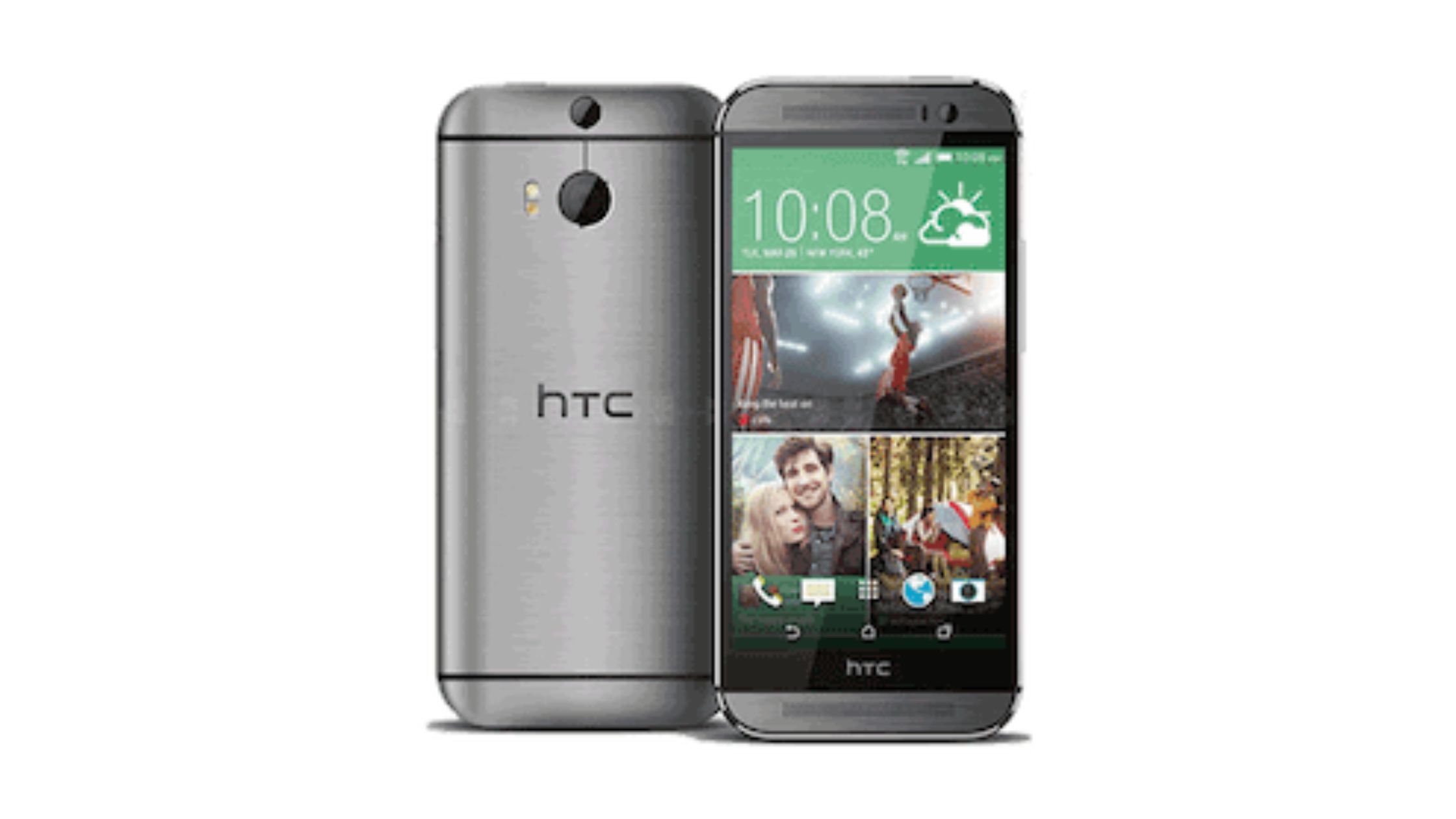
In the modern world, Android cell phones have become an indispensable part of our lives. We use them to communicate, work, stay informed, and be entertained. With so much reliance on these mobile devices, it’s essential to ensure their longevity. The key to achieving proper maintenance. In this blog, we’ll explore maintenance tips for your Android cell phone, shedding light on how to keep your mobile device in optimal condition.
Regular Cleaning for Optimal Performance
A clean phone is a happy phone. It may sound simplistic, but maintaining a clean and dust-free exterior is the first step towards ensuring your Android cell phone’s longevity. Over time, dust and debris accumulate in phone nooks and crannies, potentially causing issues with the device’s functioning. Here’s how to keep your phone squeaky clean:
-
Gently wipe the screen and the body of your phone with a microfiber cloth. This simple act can prevent scratches and keep your phone looking new.
-
Avoid using abrasive cleaning materials. Harsh chemicals or rough materials can damage the screen and the body of your phone.
-
Clean your phone case regularly. A dirty phone case can trap dirt and debris, which may transfer to your phone.
-
By keeping your Android cell phone clean, you’ll not only extend its life but also ensure it remains aesthetically pleasing.
Battery Care: A Vital Component
The battery is one of the most critical components of your Android cell phone. A poorly maintained battery can significantly affect the device’s performance and lifespan. Here’s how you can take care of your battery:
-
Avoid overcharging. Overcharging the phone can cause the battery to overheat and reduce its capacity over time. Unplug your phone once it’s fully charged.
-
Keep your phone at an optimal temperature. Extreme heat or cold can harm your battery. Try to avoid exposing your phone to these conditions.
-
Optimize battery usage. Check for power-hungry apps and settings that may be draining your battery unnecessarily. Adjust your settings to maximize battery life.
Proper battery care is essential to ensure your Android cell phone remains functional for years to come.
Software Updates and Security
Regular software updates are crucial for the overall health of your Android cell phone. Manufacturers release update to fix bugs, improve performance, and enhance security. Failing to update your phone can leave it vulnerable to security threats and hinder its performance. Here’s what you should do:
-
Enable automatic updates. It ensures that your phone receives the latest updates without manual intervention.
-
Install security software. Using reputable security apps can help protect your phone from viruses and malware.
-
Back up your data. Regular backups ensure that your valuable data is safe even in the event of a software issue.
By staying up-to-date with software and security measures, you can keep your Android cell phone running smoothly and securely.
Protecting Your Screen
The screen is arguably the most fragile part of your Android cell phone. A cracked or damaged screen not only affects the phone’s aesthetics but can also disrupt its functionality. To protect your screen and extend your phone’s life, consider the following:
-
Use a screen protector: Applying a high-quality screen protector can significantly reduce the chances of your screen getting scratched or cracked.
-
Invest in a sturdy phone case: A protective case can absorb shock from accidental drops and protect your phone from damage.
-
Handle your phone with care: Avoid placing your phone face-down or in situations where it’s prone to falling.
Taking good care of your screen ensures the longevity of your Android cell phone and helps you avoid costly repairs.
Mobile Device Repair: When All Else Fails
Despite your best efforts, accidents happen, and your Android cell phone may require repairs. In such cases, don’t attempt to fix the phone yourself, as you might cause more harm than good. Instead, it’s best to seek professional help.
For mobile device repair, you can rely on experts like A-Z Phone Repair. They have the knowledge, tools, and experience to diagnose & fix a wide range of issues with Android cell phones. From screen replacements to battery repairs, these professionals can get your phone back in working order.
Proper maintenance is the key to exploiting the lifespan of your Android cell phone. From regular cleaning to battery care and software updates, these tips can help your device remain in optimal condition. Remember, protecting your screen and seeking professional mobile device repair when needed are also essential steps in ensuring the longevity of your Android cell phone. By following these essential guidelines, you can continue to enjoy the suitability and functionality of your beloved mobile device for years to come.